Docker Commandos v1.5: Asgard Mission
Hands-on workshop materials for the 10 Docker Commandos at Rabobank, covering SBOM generation, CVE scanning, hardened images, VEX exemptions, Docker Bake, Cosign signing, and zero-day defense.
Docker Commandos is a narrative-driven education framework for teaching modern Docker security through story, visuals, and hands-on exercises. A team of ten fictional commandos—each paired with a Docker command or feature—guide participants through a mission. The full backstory is here: Docker Commandos Backstory: From Narrative to Hands-On Learning.
The format started as Docker Deep Dive with a Docker Captain at WeAreDevelopers Berlin in June 2025, where over 100 people queued for 40 seats. It became Docker Commandos v1.0 at JobRad in Freiburg, then evolved through v1.3 before landing at Jfokus in Stockholm in February 2026 — where the Commandos first traveled to Asgard to fight CVE monsters in a Norse-themed mission focused on SBOMs, attestations, and hardened images.
This is v1.5, delivered at Rabobank in March 2026. The Commandos return to Asgard with a deeper mission: building a full supply-chain security pipeline from scratch—from initializing a project all the way to cryptographic signing and zero-day runtime defense. Two new recruits join the team along the way.
This page contains the workshop materials. The workshop covers the following topics:
- 1️⃣ Docker Init
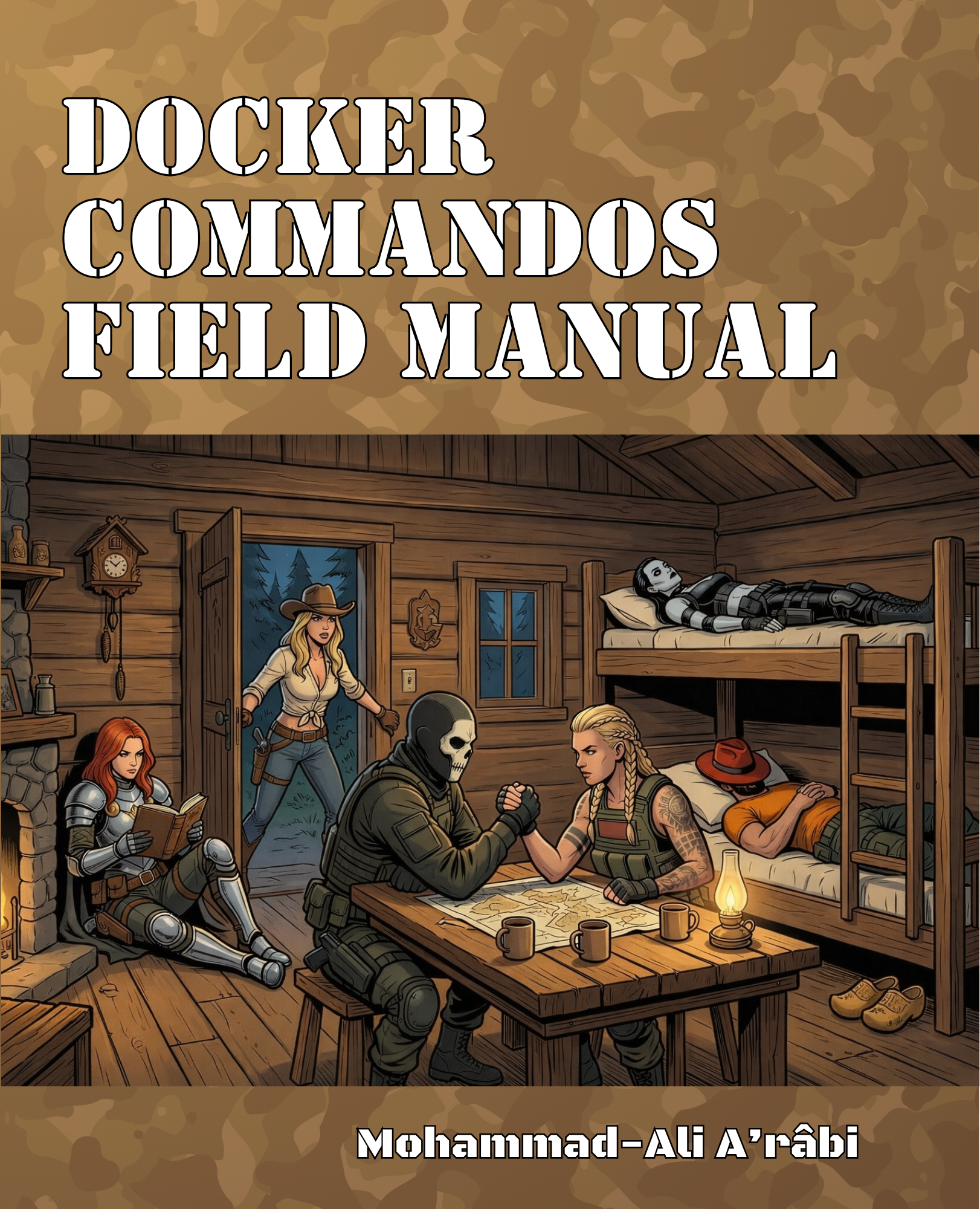
Docker Commandos Field Manual - 2️⃣ SBOM
- 3️⃣ Scout
- 4️⃣ SBOM Attestations
- 5️⃣ Hardened Images
- 6️⃣ Exempted CVEs
- 7️⃣ VEX Attestations
- 8️⃣ Docker Bake
- 9️⃣ Cosign
- 0️⃣ Zero-Day Defense
Key outcomes: Automated vulnerability detection, reduced false positives, cryptographic supply chain verification, and defense-in-depth against unknown threats.
Download PDF: Docker Commandos Field Manual @ buy.DockerSecurity.io
Docker Commandos

Meet your team:
- 1️⃣ Gord ⚔️ - The swordmaster
- 2️⃣ Rothütle 🎩 - The guy with a red hat
- 3️⃣ Jack 🤖 - The cyborg soldier
- 4️⃣ The Valkyrie 🛡️ - The fierce warrior
- 5️⃣ Artemisia ⚓ - The Amazonian naval commander
- 6️⃣ Wilhelmina (Mina) 🧛♀️ - The undead assassin
- 7️⃣ RuinTan 💀 - The immortal who fell in battle and rose in Asgard
- 8️⃣ Captain Ahab 🐋 - From the land of the whales
- 9️⃣ Evie 🤠 - The cowgirl and sharpshooter
- 0️⃣ Agent Null 🎭 - The masked hunter
Command Dependencies
Prerequisites
Before starting the journey, check installation instructions to setup Docker Desktop, CLI tools, and pull the necessary images.
Setup
Clone the workshop repository:
git clone https://github.com/DockerSecurity-io/commandos-v1.5
cd commandos-v1.5
Prologue: The Attack on Asgard
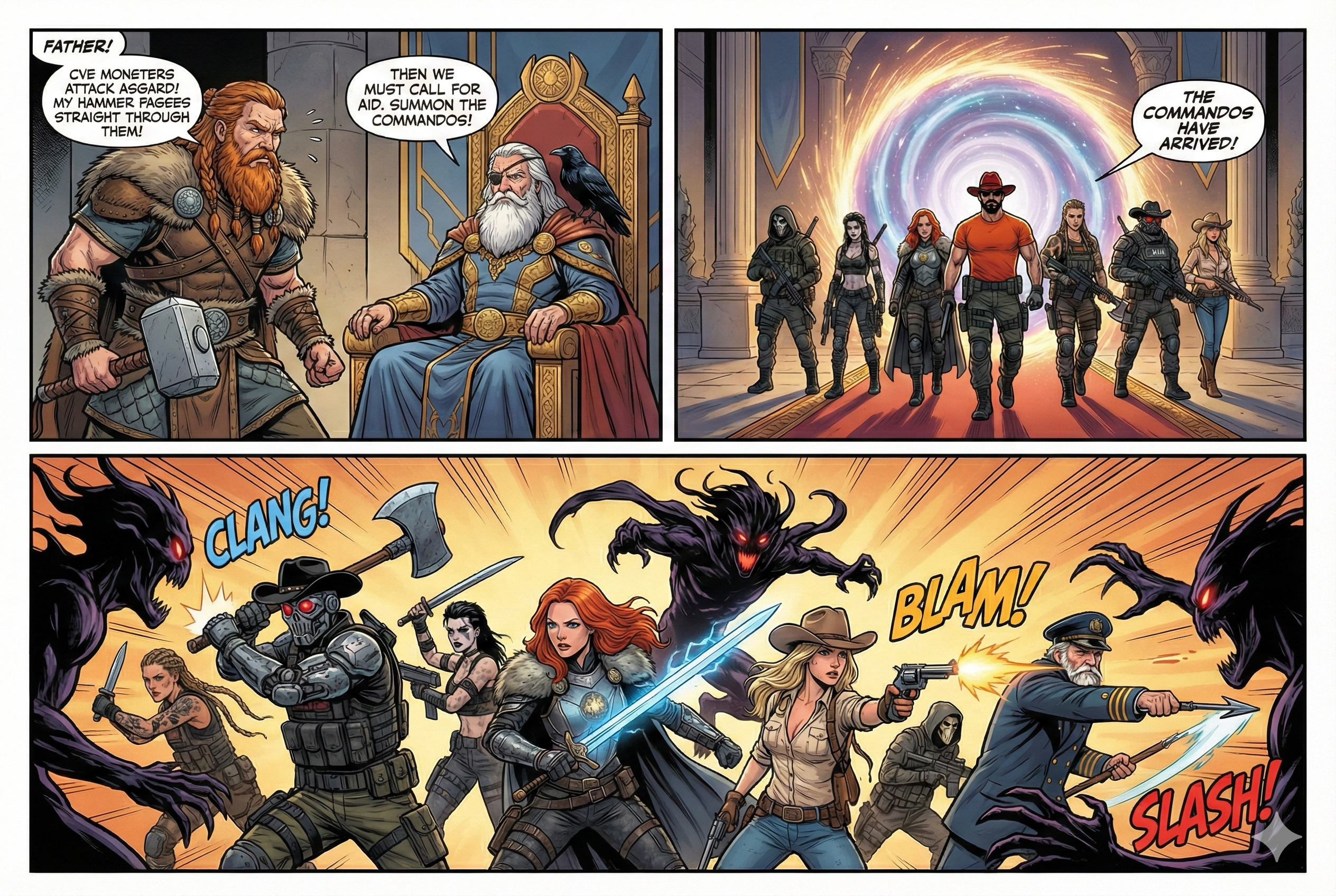
Thor enters Odin's chamber hastily, "Father, Asgard is under attack! Shadow monsters called CVEs are in Asgard and my hammer Mjolnir can't destroy them!" Odin looks at him calmly, "Summon the Docker Commandos!"
Commando 1. Docker Init
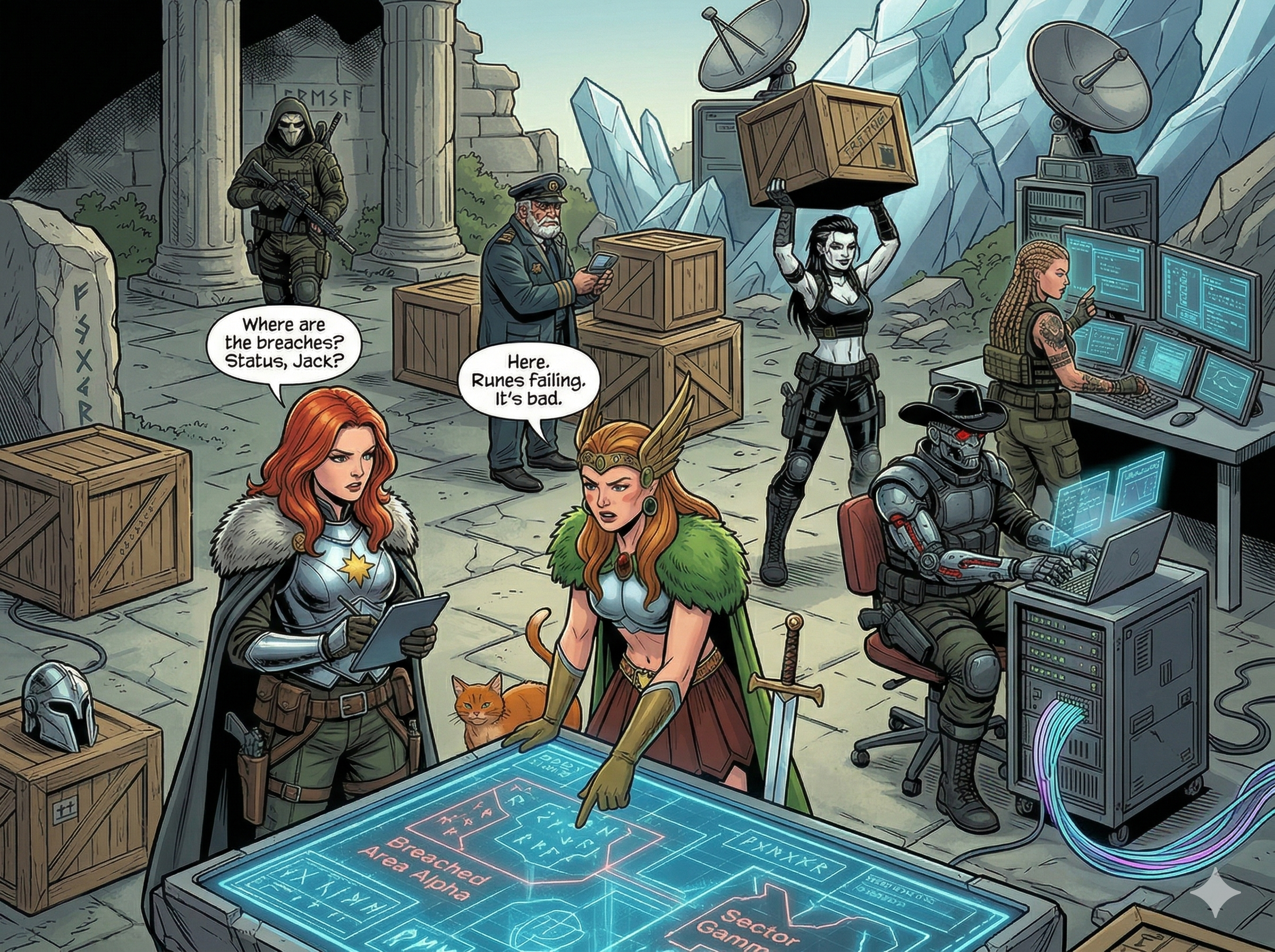
Mission: Docker Commandos arrive at Asgard and initiate their mission to contain the outbreak. Gord orders, "Set up a command center for us". Valkyrie and Agent Null start setting up the command center, while Jack and Evie secure the perimeter.
Real-world context: Docker Init creates secure, production-ready Dockerfiles using established best practices, reducing the likelihood of security misconfigurations from day one.
Main article: Dockerizing a Java 24 Project with Docker Init Main article: JAVAPRO: How to Containerize a Java Application Securely
In case you want to skip Docker Init, you can use the flask-init directory, which contains the files created by Docker Init.
Docker Init is a command to initialize a Docker project with a Dockerfile and other necessary files:
Dockerfilecompose.yaml.dockerignoreREADME.Docker.md
The command doesn't use GenAI, so is deterministic, and employs best practices for Dockerfile creation.
Docker Init is available on Docker Desktop 4.27 or later and is generally available.
Usage
On the repo, go to the Flask example directory:
cd flask
Then, run the Docker Init command:
docker init
The command will ask you 4 questions, accept the defaults except for the Python version, that you should set to 3.14.3:
- ? What application platform does your project use? Python
- ? What version of Python do you want to use? 3.14.3
- ? What port do you want your app to listen on? 8000
- ? What is the command you use to run your app? gunicorn 'hello:app' --bind=0.0.0.0:8000
Then, start Docker Compose with build:
docker compose up --build
The application will be available at http://localhost:8000.
Exercises
- 1.1. If you want a more tricky example, try Dockerizing a Java 24 application using Docker Init. You can follow the instructions in the JAVAPRO article that I published in July 2025.
- 1.2. Compare the Dockerfile created for the Java application with the one created for the Python application. What are the differences?
Commando 2. SBOM
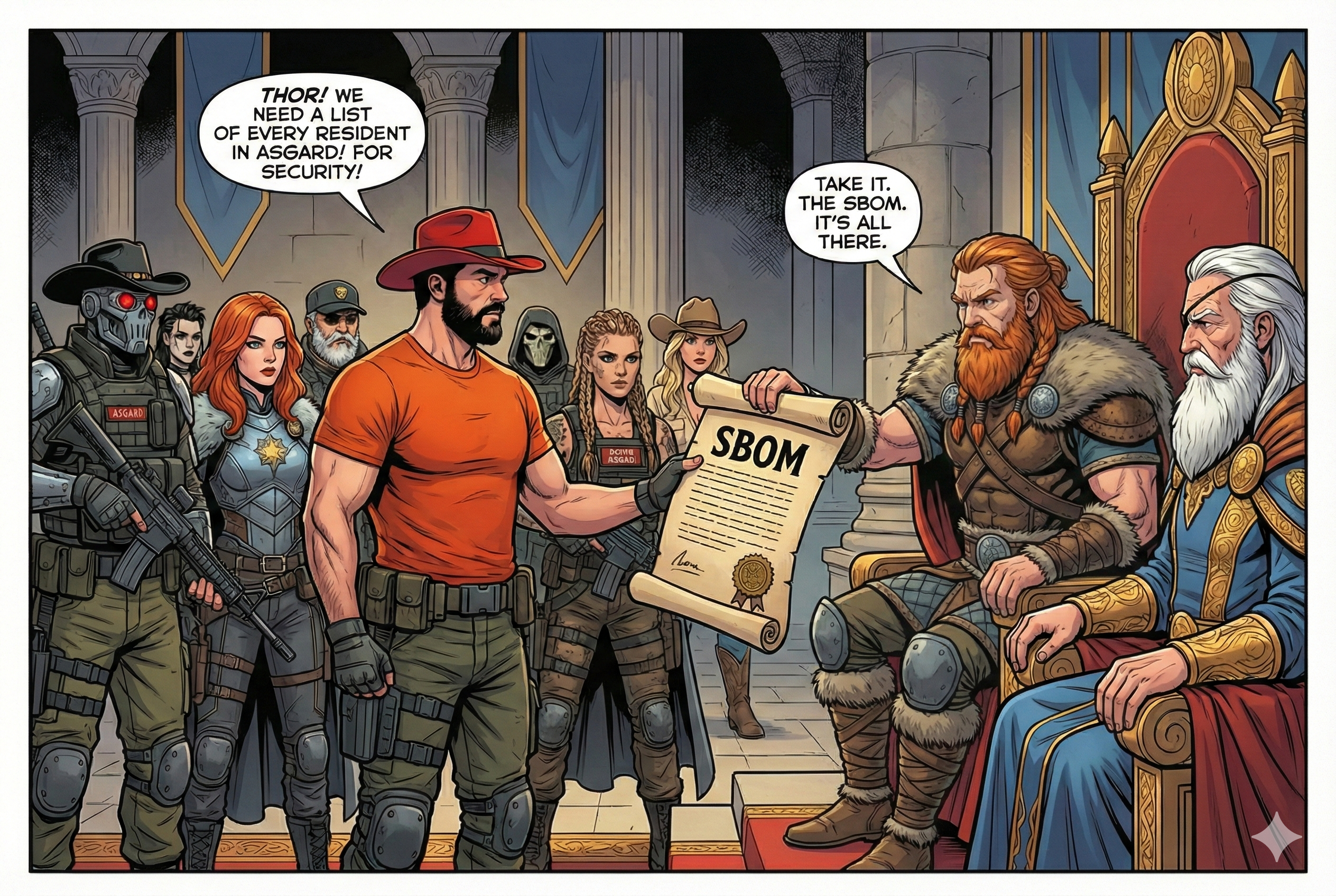
Mission: Rothütle asks Thor for a list of all Asgard residents. Now the Commandos can cross-reference with the CVE database to identify which residents are CVEs.
Real-world context: SBOM (Software Bill of Materials) lists all components, libraries, and dependencies in your software. Essential for identifying vulnerabilities in your supply chain.
Requirement: This step requires the Docker Init step to be completed first. Otherwise, use the directory flask-init.
Docker SBOM is integrated into Docker Desktop, but is also available for Docker CE as a CLI plugin that you need to install separately.
Note. Docker engineers want to remove docker sbom in favor of docker scout sbom, but the command is still available. The docker sbom command is just a wrapper around the open-source syft that can be used directly.
Usage
In the Docker Init step, we built an image with tag flask-server:latest. Let's check the SBOM for this image:
docker sbom flask-server:latest
The output will show the SBOM in a table format. Try to export it to a SPDX file:
docker sbom --format spdx-json flask-server:latest > sbom.spdx.json
If you investigate the file, you will see that it contains a list of all the packages used in the image, their versions, and the licenses.
A more interesting example will be a C++ application.
Go to the C++ example directory:
cd cpp
Then, build the image:
docker build -t cpp-hello .
Now, check the SBOM for the image:
docker sbom cpp-hello
It will say there are no packages in the image, because the image is built from a FROM scratch base image. But, in the build stage, we installed many packages, and a vulnerability in those packages can affect the final image.
Deep Dive: SBOM Standards and Regulatory Requirements
Technical Standards:
- SPDX (Software Package Data Exchange): ISO/IEC 5962:2021 international standard
- CycloneDX: OWASP-maintained format optimized for security use cases
Regulatory Landscape - SBOM requirements are becoming mandatory:
- Executive Order 14028 (2021): US federal agencies must provide SBOMs for software
- EU Cyber Resilience Act: Mandatory SBOMs for connected products by 2025
- FDA Cybersecurity: Medical device manufacturers must provide SBOMs
Log4Shell Impact: When Log4Shell (CVE-2021-44228) was discovered, organizations with comprehensive SBOMs could identify affected systems within hours instead of weeks.
Exercises
- 2.1. Use
docker sbom --helpto check available formats for the SBOM output. - 2.2. Compare different base images:
docker sbom node:22vsdocker sbom node:22-alpine- which has fewer packages?
Commando 3. Scout
Mission: Gord orders Jack, Agent Null, and Mina to scout the remaining districts of Asgard for hidden CVEs. "Let's hunt some CVEs!" says Null.

Real-world context: Docker Scout analyzes your images for vulnerabilities by cross-referencing the SBOM with CVE databases, providing actionable security intelligence.
Requirement: This step requires the SBOM step to be completed first.
Docker Scout is available on Docker Desktop, and as a CLI plugin for Docker CE.
Usage
To check the vulnerabilities in the image, run:
docker scout cves flask-server:latest
You can also check the vulnerabilities using the Docker Desktop UI. Just go to the "Images" tab, select the image, and click on "Scout".
Try comparing base images for security:
# Standard Node image
docker scout cves node:20

# Alpine Node image
docker scout cves node:20-alpine

# Which is more secure?
Deep Dive: CVE Intelligence and CVSS Scoring
CVSS (Common Vulnerability Scoring System) provides standardized severity ratings:
- Critical (9.0-10.0): Remote code execution, privilege escalation
- High (7.0-8.9): Significant impact but with some constraints
- Medium (4.0-6.9): Moderate impact, often requires user interaction
- Low (0.1-3.9): Minimal impact or high complexity exploitation
Real-world Example - React2Shell (CVE-2025-55182)[^1]: This critical vulnerability with CVSS score 10.0 affects React Server Components and allows unauthenticated remote code execution. It would appear in Scout as:
docker scout cves my-react-app
# CRITICAL   CVE-2025-55182  react  19.0.0
# Remote code execution via server-side rendering
# Recommendation: Upgrade to react@19.0.1 or later
Exercises
- 3.1. Build an application with an old base image (e.g.,
node:14) and compare Scout results with newer versions. - 3.2. Use the
--detailsflag to get more information about specific vulnerabilities.
Commando 4. SBOM Attestations
Mission: The Valkyrie sets up a camera with face recognition and says, "I can generate an ID card for everyone in Asgard, and attach it to their database face record. That way, we can verify their identity at the checkpoints."
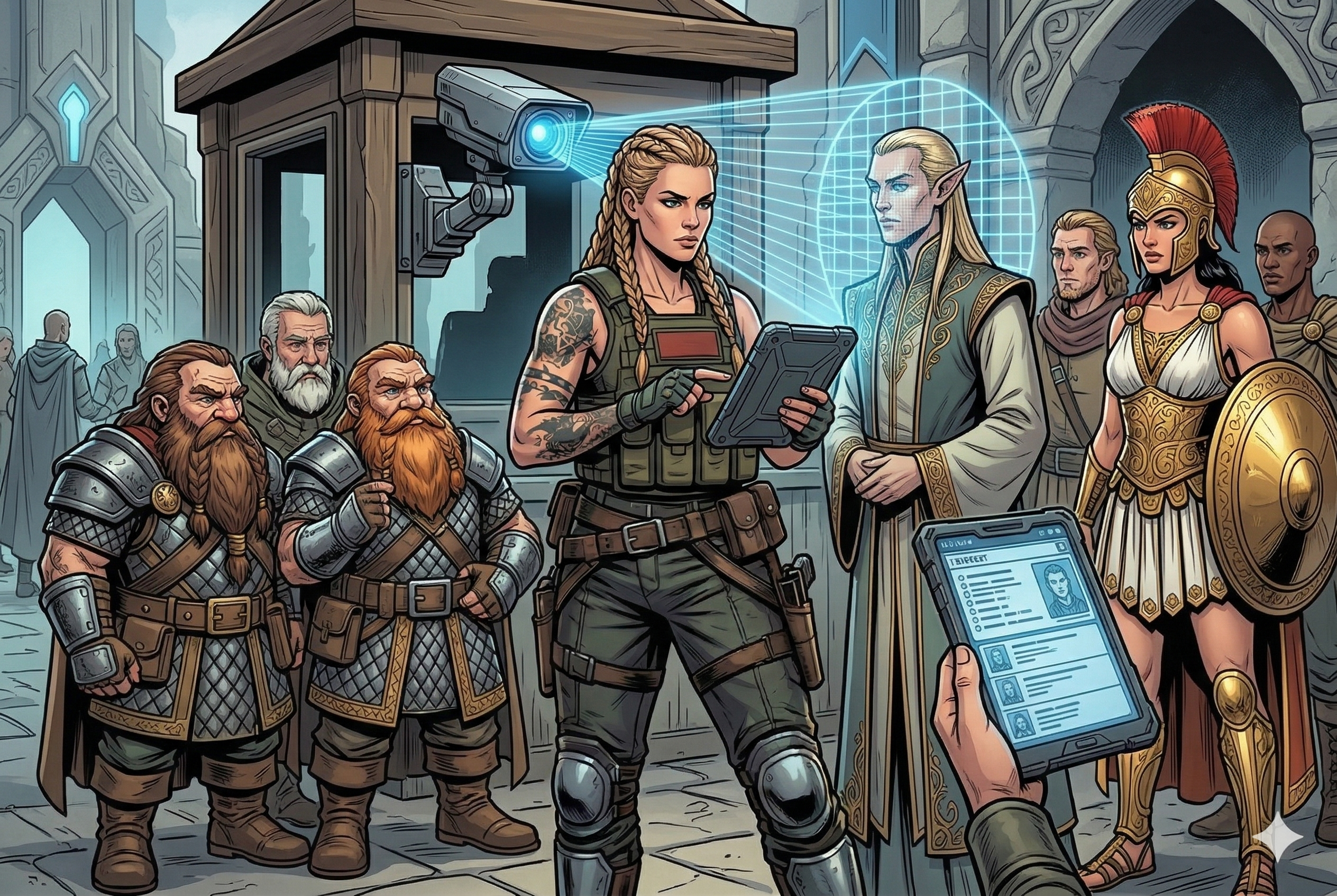
Real-world context: SBOM attestations are SBOMs generated during build time and cryptographically signed, providing tamper-proof component information that travels with your image.
Requirement: This step requires the Scout step to be completed first.
Main article: DockerDocs: Supply-Chain Security for C++ Images
SBOM attestations are generated during the build and attached to the image.
Usage
SBOM attestations are generated during the build:
docker buildx build --sbom=true -t cpp-hello:with-sbom .
Now, let's check the CVEs with Docker Scout:
docker scout cves cpp-hello:with-sbom
It will say:
SBOM obtained from attestation, 0 packages found
The SBOM has no packages, because we built the image from a FROM scratch base image. We can fix this by including the build stage packages in the SBOM.
Add the following line to the beginning of the Dockerfile:
ARG BUILDKIT_SBOM_SCAN_STAGE=true
This line goes before the FROM line, and it tells Docker to include the build stage packages in the SBOM.
Now, rebuild the image:
docker buildx build --sbom=true -t cpp-hello:with-build-stage .
Now, check the SBOM attestations for the image again:
docker scout cves cpp-hello:with-build-stage
It will say:
SBOM of image already cached, 208 packages indexed
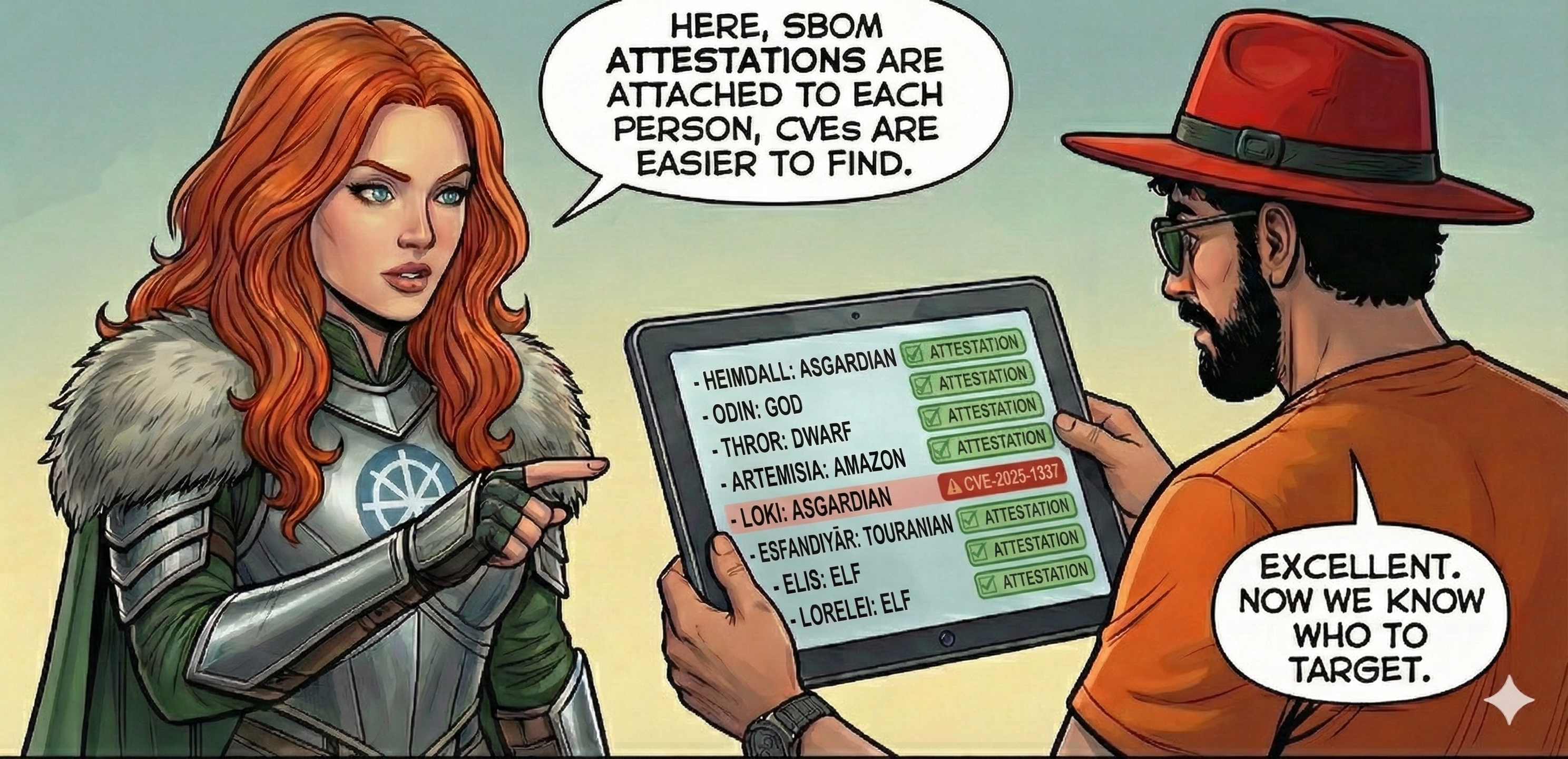
Deep Dive: Cryptographic Attestations and Supply Chain Trust
in-toto Attestation Framework[^2]: SBOM attestations follow the in-toto specification, providing cryptographic proof of authenticity with predicate (SBOM data), subject (container image), and signature.
OCI Referrers: There are two types of SBOM attestations: BuildKit attestations are stored on the image, while Cosign attestations are stored in the registry as OCI referrers. This means the Cosign attestations are stored separately from the image, but refers to the image through the OCI referrer mechanism.
Enterprise Compliance: SLSA Level 3 requires signed attestations, FIPS 140-2 needs cryptographic verification, and SOC 2 Type II uses attestations as auditable supply chain evidence.
FIPS or Federal Information Processing Standards are a set of standards for cryptographic modules used by the US government. FIPS 140-2 is a specific standard that defines security requirements for cryptographic modules. SBOM attestations that are FIPS-compliant can be used in environments that require FIPS validation.
Exercises
- 4.1. Store the SBOM locally:
docker buildx build --sbom=true --sbom-output=type=local,dest=. -t test-image . - 4.2. Compare SBOM results with and without
BUILDKIT_SBOM_SCAN_STAGE=truefor a multi-stage build.
Commando 5. Docker Hardened Images
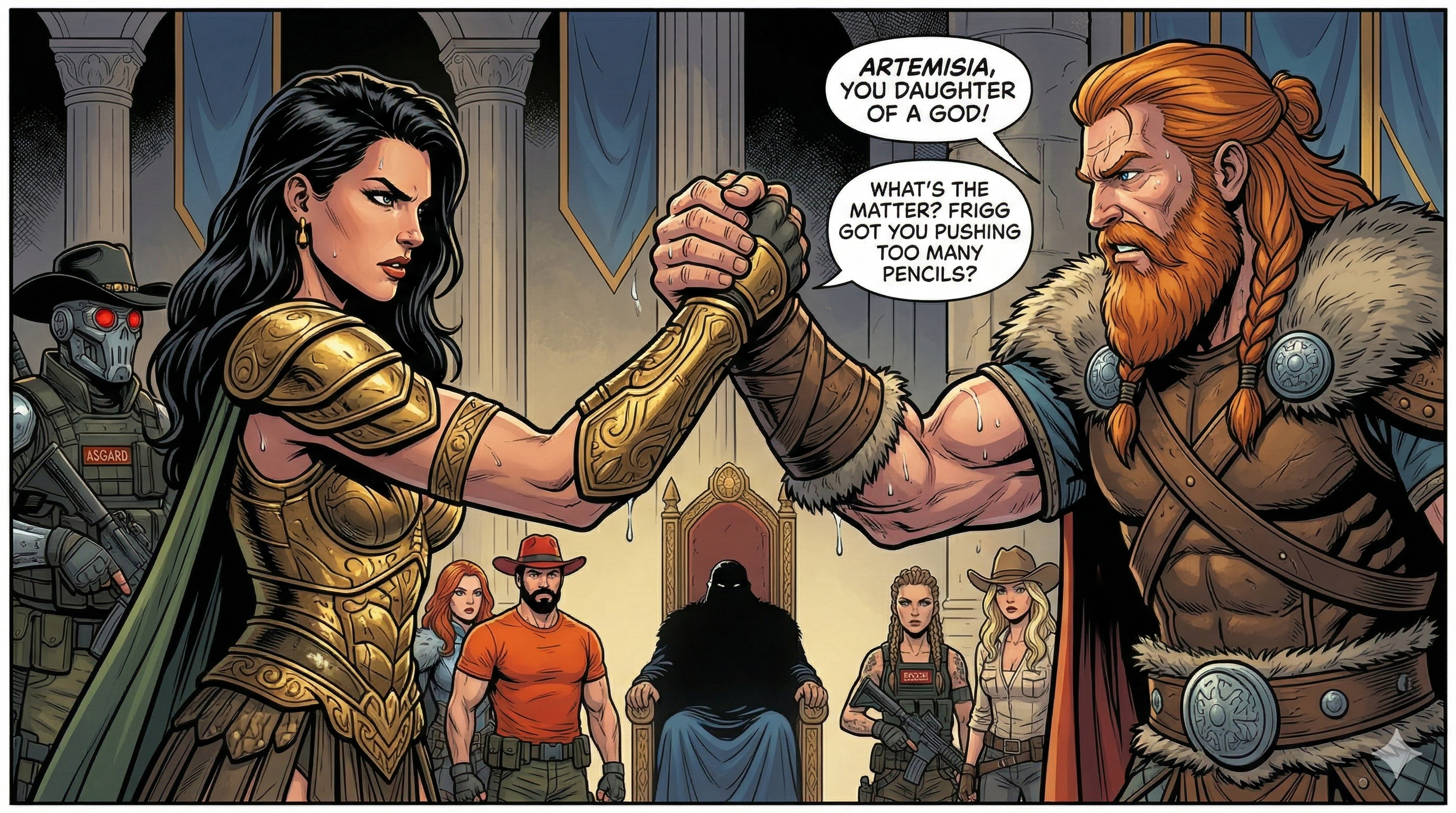
Mission: The Commandos reach the golden gates of a heavily fortified district. Thor says, "This district is heavily fortified, no CVE can get in here." The district is guarded by Hardened Warriors led by Artemisia, who says "I know how to recognize CVEs, I will join you."
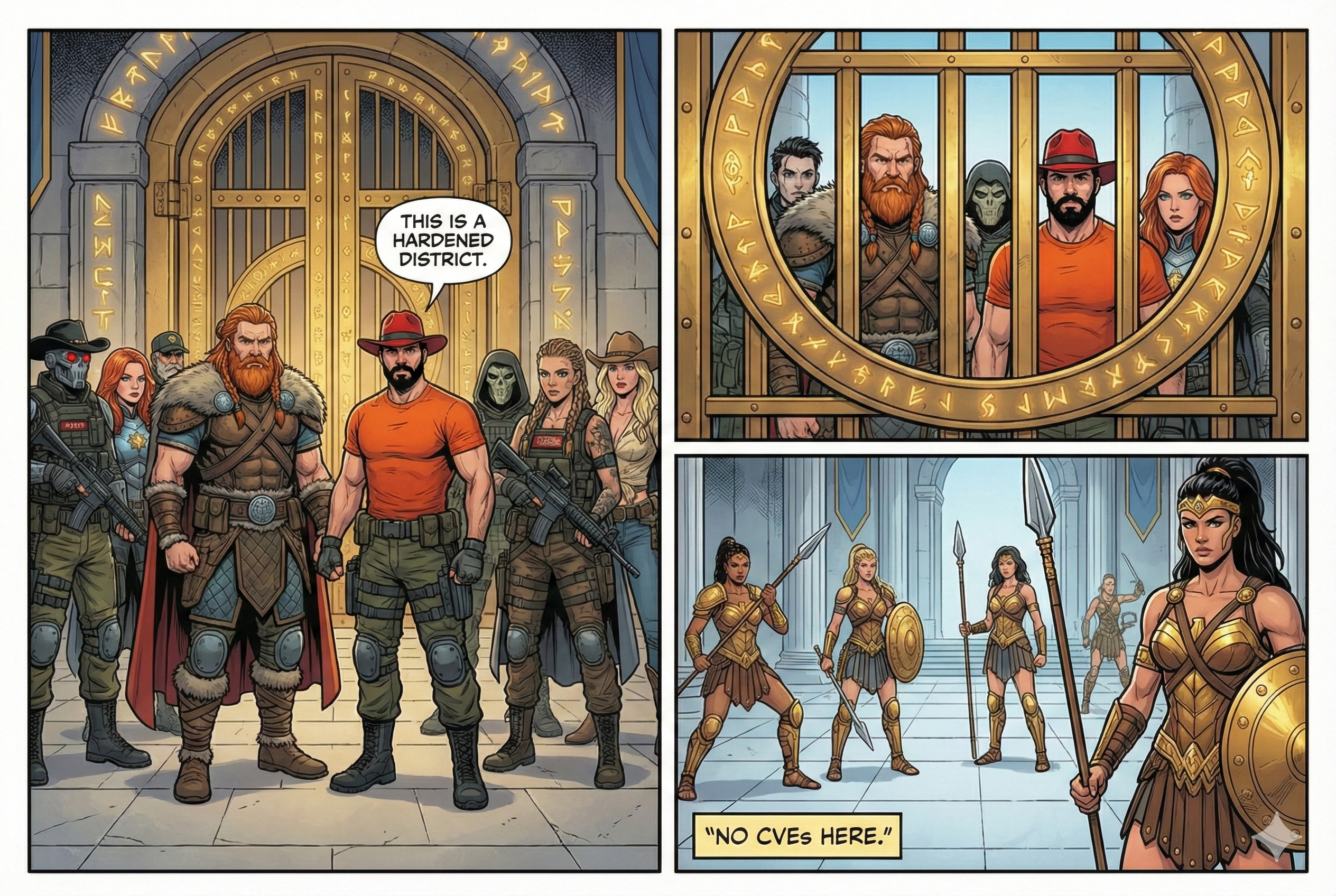
Real-world context: Docker Hardened Images (DHI) are near-zero-CVE base images maintained by Docker, providing a more secure foundation with dramatically reduced attack surface.
Main article: Docker Hardened Images are Free
Docker Hardened Images were open-sourced in December 2025, and are freely available at dhi.io.
Usage
Build an application with hardened base:
# Non-hardened Node image
FROM node:25

# Hardened Node image for development
FROM dhi.io/node:25-dev AS build

# Hardened Node image for production
FROM dhi.io/node:25
Compare standard vs hardened Node images:
# Standard Node image
docker scout cves node:25

# Hardened Node image
docker scout cves dhi.io/node:25
When fetching the DHI version, you will see the following output:
    ✓ SBOM obtained from attestation, 20 packages found
    ✓ Provenance obtained from attestation
    ✓ VEX statements obtained from attestation
    ✓ No vulnerable package detected
At the time of writing, the hardened Node image have 0 CVEs. The non-hardened Node image has 4 high CVEs, 6 medium, and 167 low CVEs. The Docker Scout report mentioned VEX statements, which we will cover soon.
To check with Trivy:
trivy image --scanners vuln dhi.io/node:25
Trivy lists more CVEs, that's because a few CVEs are silenced by the VEX statement that Docker Scout is aware of, but Trivy is not. One can manually download the VEX statement and pass it to Trivy when scanning.
In the Flask example, we used slim images. Replace it with a hardened Python image:
# Not hardened image
FROM python:${PYTHON_VERSION}-slim AS base
# Hardened image
FROM dhi.io/python:${PYTHON_VERSION}-alpine3.23-fips-dev AS base
The hardened image has 0 CVEs at the time of writing and is FIPS-compliant. Please note that we had to choose an Alpine-based hardened image, because the original slim image was Alpine-based. If we had used a Debian-based image, we needed to change the Alpine commands like adduser to Debian equivalents.
Run the application once more to verify it works with the hardened image:
docker compose up --build
Exercises
- 5.1. Audit your current base image usage and calculate CVE reduction potential with hardened images.
- 5.2. Build the same application with standard and hardened base images, compare Scout results.
- 5.3. Explore the available hardened image portfolio: dhi.io and identify which images are available for your tech stack.
Commando 6. The Exempted CVEs
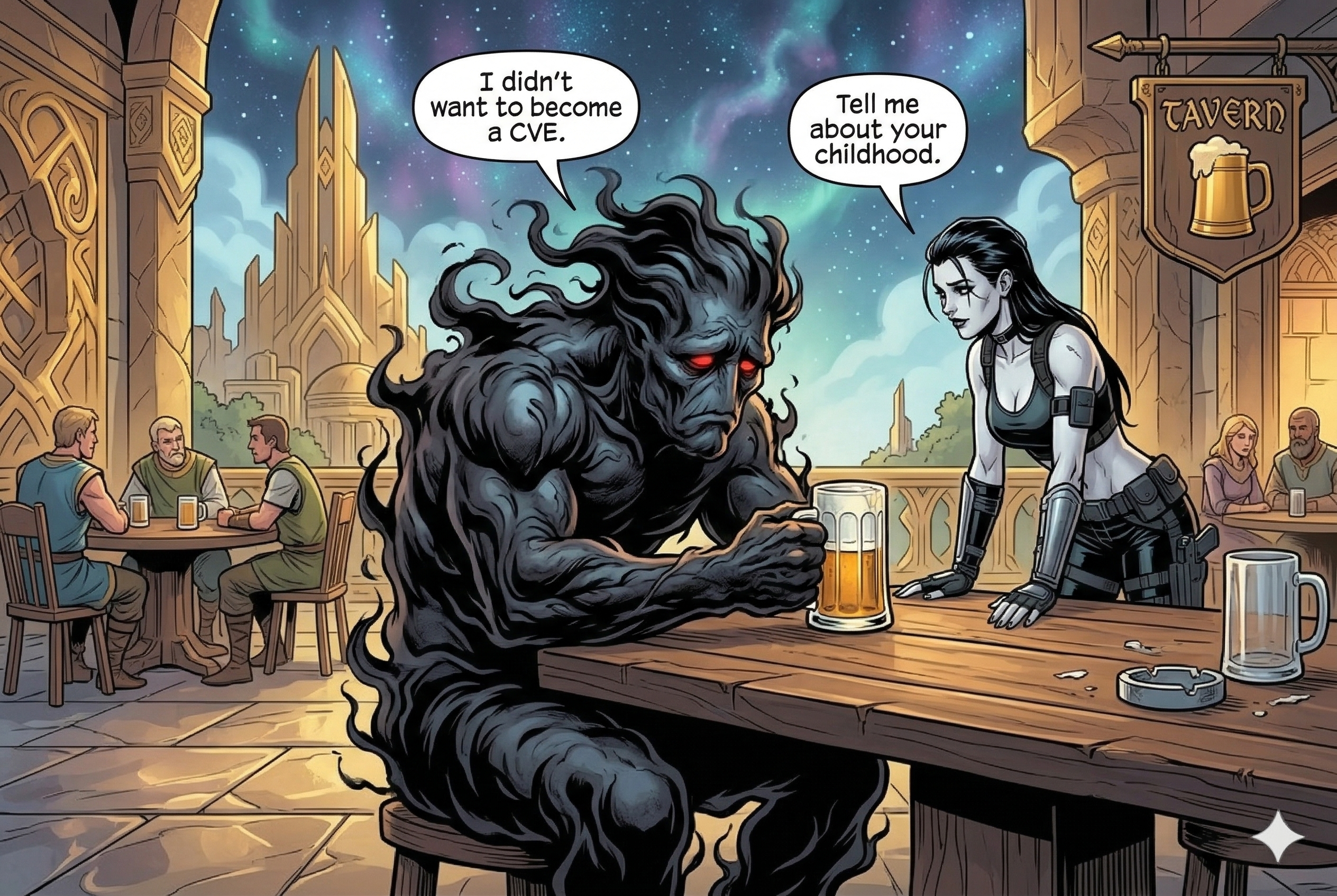
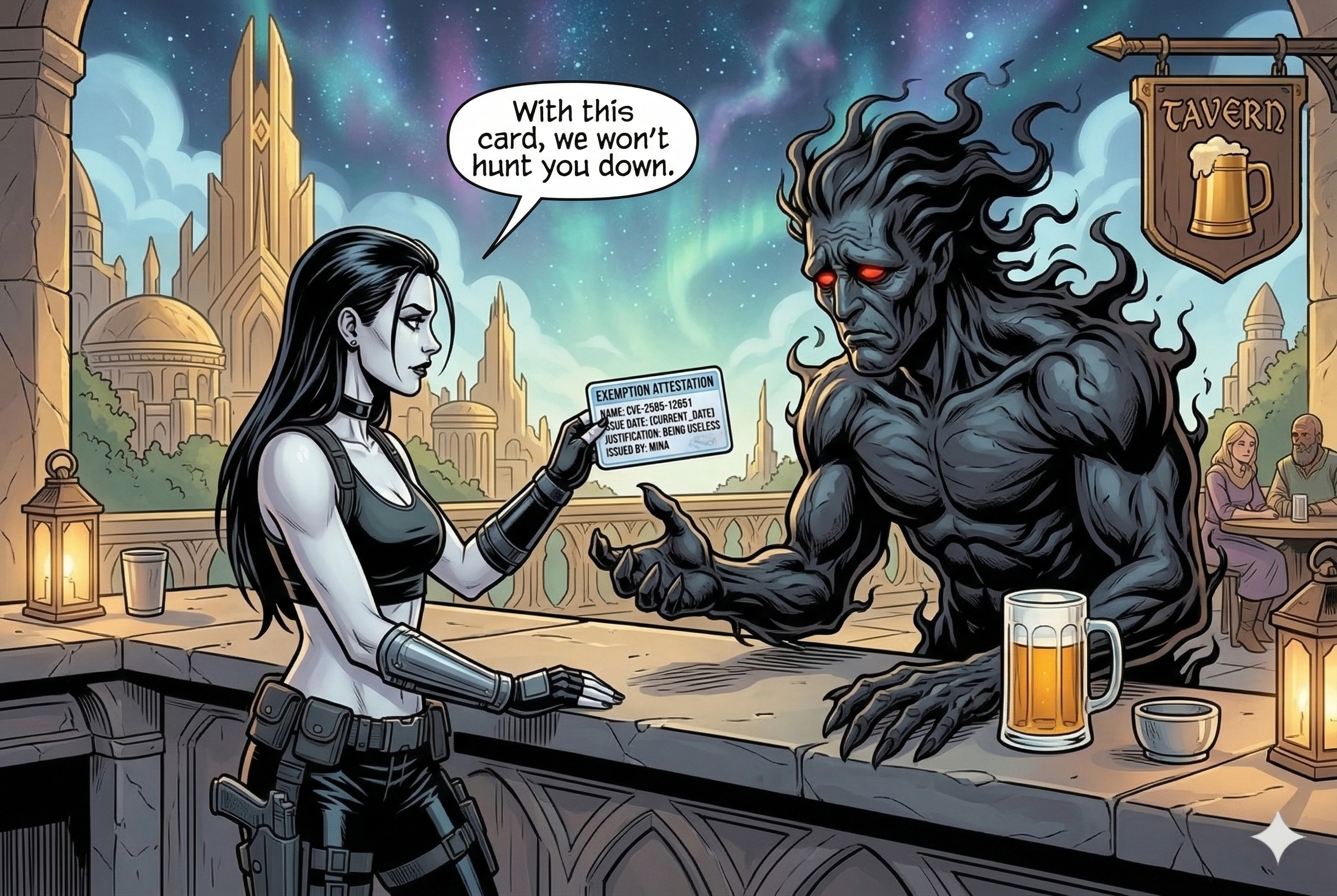
Mission: Mina was hunting down the remaining CVEs in the Western parts of Asgard. She found a CVE, drinking beer in a tavern. As he saw Mina, he was shocked, "I didn't hurt anyone," he said. "I didn't want to become a CVE, I just want to live my life."
Real-world context: Not all CVEs are exploitable in your specific context. VEX (Vulnerability Exploitability eXchange) allows you to mark CVEs as not applicable to reduce alert noise and focus on real threats.
VEX is a standardized format for communicating the exploitability of vulnerabilities in software components.
Usage
Check the latest Flask image for CVEs:
docker scout cves flask-hello:latest
At the time of writing, if you use DHI base image, you will have one medium CVE and a bunch of low CVEs:
   0C     0H     1M     1L  tar 1.35+dfsg-3.1
pkg:deb/debian/tar@1.35%2Bdfsg-3.1?os_distro=trixie&os_name=debian&os_version=13

    ✗ MEDIUM CVE-2025-45582
      https://scout.docker.com/v/CVE-2025-45582
      Affected range : >=1.35+dfsg-3.1
      Fixed version  : not fixed

    ✗ LOW CVE-2005-2541
      https://scout.docker.com/v/CVE-2005-2541
      Affected range : <=1.35+dfsg-3.1
      Fixed version  : not fixed
Create a VEX statement:
vexctl create \
  --author="your-email@example.com" \
  --product="pkg:docker/flask-hello@latest" \
  --subcomponents="pkg:deb/debian/tar@1.35+dfsg-3.1" \
  --vuln="CVE-2025-45582" \
  --status="not_affected" \
  --justification="vulnerable_code_not_in_execute_path" \
  --file="CVE-2025-45582.vex.json"
Apply the VEX statement to Scout scan:
mkdir vex-statements
mv CVE-2025-45582.vex.json vex-statements/

docker scout cves flask-hello --vex-location ./vex-statements
The CVE is now marked as not affected:
pkg:deb/debian/tar@1.35%2Bdfsg-3.1?os_distro=trixie&os_name=debian&os_version=13

    ✗ MEDIUM CVE-2025-45582
      https://scout.docker.com/v/CVE-2025-45582
      Affected range : >=1.35+dfsg-3.1
      Fixed version  : not fixed
      VEX            : not affected [vulnerable code not in execute path]
                     : your-email@example.com
Deep Dive: VEX Standards and Context Analysis
VEX Status Classifications[^5]:
- not_affected: Component not present or vulnerable code not in execute path
- affected: Vulnerability impacts the product, action required
- fixed: Vulnerability resolved in specified version
- under_investigation: Impact being assessed
Exercises
- 6.1. Identify a CVE in your application that's not exploitable and create a proper VEX statement.
- 6.2. Research VEX justification categories and determine which applies to your use case.
Commando 7. VEX Attestation
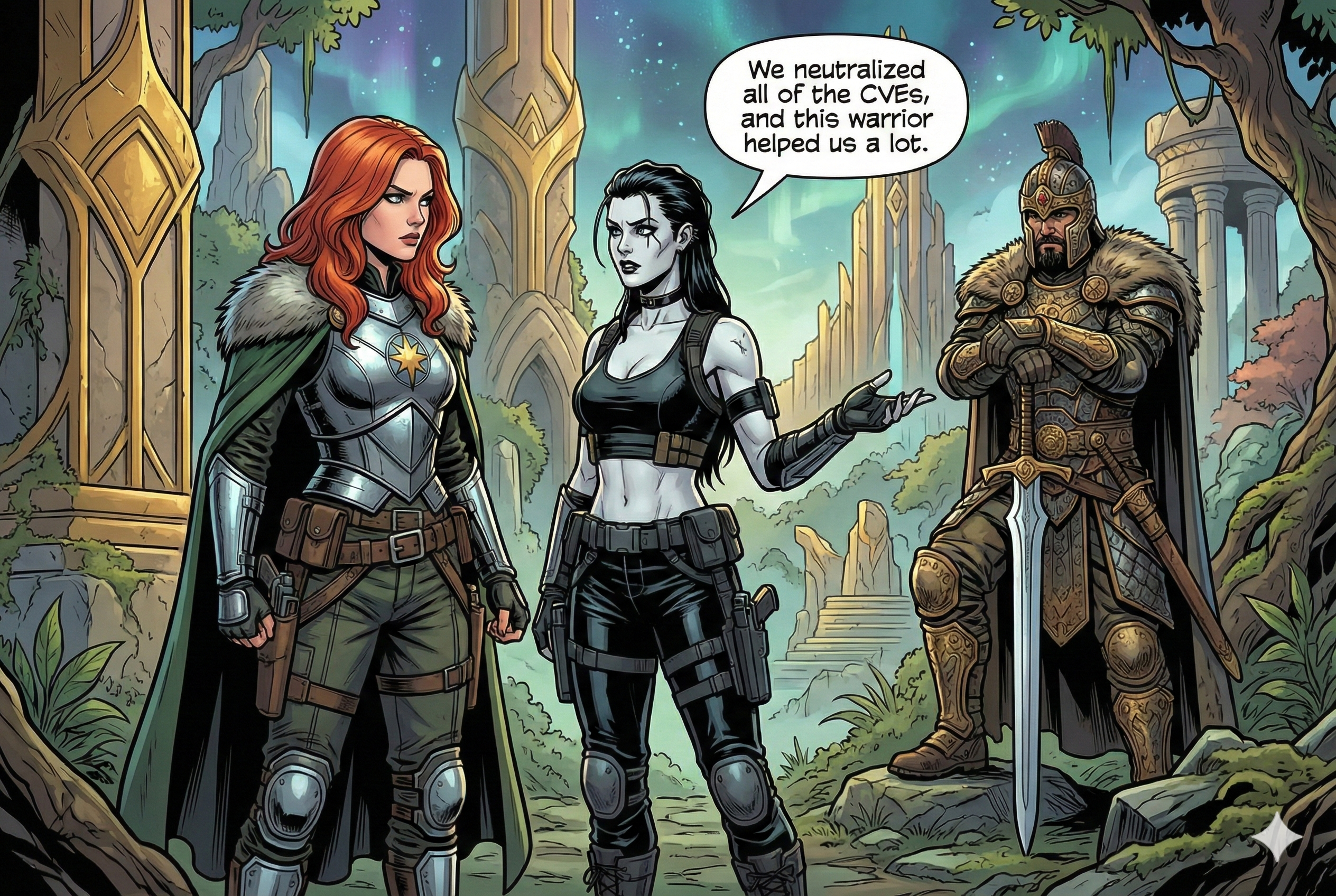
Mission: Mina gave the CVE a card, "With this card, you will be safe." As she moved deeper into the forest, she saw a swarm of CVEs, in their middle, a giant armored warrior. When she got closer, all the attacking CVEs were destroyed. "Are you fine?" Mina asked. "I am RuinTan, which means I'm invincible," he smirked. "Well, except for my eyes." Then he continued, "I fell in battle once, yet here I stand!" Together they fight through the remaining CVEs. Satisfied the area is under control, Mina said, "RuinTan, you can deal with the rest of the CVEs and give the harmless ones exemptions."
Real-world context: VEX attestations are cryptographically signed exemptions that travel with your image, providing tamper-proof vulnerability exception documentation that's verified automatically.
Requirement: This step requires the SBOM Attestations and Exempted CVEs step to be completed first.
Usage
Let's build the Flask example with SBOM attestations enabled and push to Docker Hub:
docker buildx build \
  --sbom=true \
  --provenance=true \
  --push \
  -t aerabi/flask-hello:with-sbom .
You need to use your own Docker Hub username in the tag. Now let's create a VEX statement for the medium CVE but for the pushed image:
vexctl create \
  --author="aerabi@gmx.de" \
  --product="pkg:docker/aerabi/flask-hello@with-sbom" \
  --subcomponents="pkg:deb/debian/tar@1.35+dfsg-3.1" \
  --vuln="CVE-2025-45582" \
  --status="not_affected" \
  --justification="vulnerable_code_not_in_execute_path" \
  --file="exemption.vex.json"
Add VEX attestation to image:
docker scout attestation add \
  --file exemption.vex.json \
  --predicate-type https://openvex.dev/ns/v0.2.0 \
  aerabi/flask-hello:with-sbom
Next time, you won't need to pass the VEX statement to the Scout scan, as it is already attached to the image:
docker scout cves aerabi/flask-hello:with-sbom
Deep Dive: VEX Attestations and OCI Referrers
OCI (standing for Open Container Initiative) is a set of standards for container formats and runtimes. OCI Referrers allow you to attach metadata (like VEX statements) to container images in a standardized way. Adding VEX attestations to the image (copying them inside the image) is not the recommended way anymore, as it doesn't follow the OCI.
All the DHI images have the following attestations as OCI referrers:
- SBOM attestations and their signatures
- VEX attestations and their signatures
- Provenance attestations
VEX attestations for DHI images reduce the noise for CVEs that are not a threat, allowing security teams to focus on real vulnerabilities.
To check the OCI referrers for an image, one can use the oras CLI tool:
oras pull --include-subject dhi.io/node:20
oras discover dhi.io/node:20 --platform linux/amd64
The output will list all sorts of OCI referrers, including the VEX attestations, SBOMs, provenance, and their signatures by Cosign.
The tree shows that the image has an attestation of type application/vnd.dev.cosign.artifact.sig.v1+json, which is a Cosign signature. The attestation is signed with the key that has the digest sha256:e8f499ac859628ec6b2b446abf390d4ffd117ef0839a3e57d080f94745f3ebf4.
Exercises
- 7.1. Research how else can one generate VEX statements besides using
vexctl createcommand. - 7.2. Explore the OCI referrers for a DHI image and identify the VEX attestation and its signature.
Commando 8. Docker Bake
Mission: As the Commandos defeated the CVEs in Asgard, they decided to throw a party to celebrate their victory, and discuss the security measures they can implement systematically.

Real-world context: Docker Bake allows you to define complex build configurations in files, making security practices repeatable, reviewable, and automated across your entire organization.
Requirement: This step builds on all previous commandos.
CLI reference: docker buildx bake
Docker Bake is to Docker Build what Docker Compose is to Docker Run. It allows you to build multiple images at once, using a single command.
Usage
As we progressed through the Commandos, our build commands gradually became more complex.
Go back to the Flask example, and examine the docker-bake.hcl file:
target "default" {
  context = "."
  dockerfile = "Dockerfile"
  tags = ["flask-hello:latest"]
}
It's a simple bake file that defines the build context, Dockerfile, and tags for the image. Now, let's add SBOM generation to the bake file:
target "default" {
  context = "."
  dockerfile = "Dockerfile"
  tags = ["flask-hello:latest"]

  attest = [
    {
      type = "sbom"
    }
  ]
}
Exercises
- 8.1. Add provenance attestations to the bake file.
- 8.2. Add multi-platform builds (linux/amd64, linux/arm64).
- 8.3. Introduce variables for the tag and set default values. Then use the variables in the tag definition:
tags = ["${REPOSITORY}:${TAG}"] - 8.4. Create a Docker Bake file for the C++ example with SBOM attestations.
Commando 9. Cosign
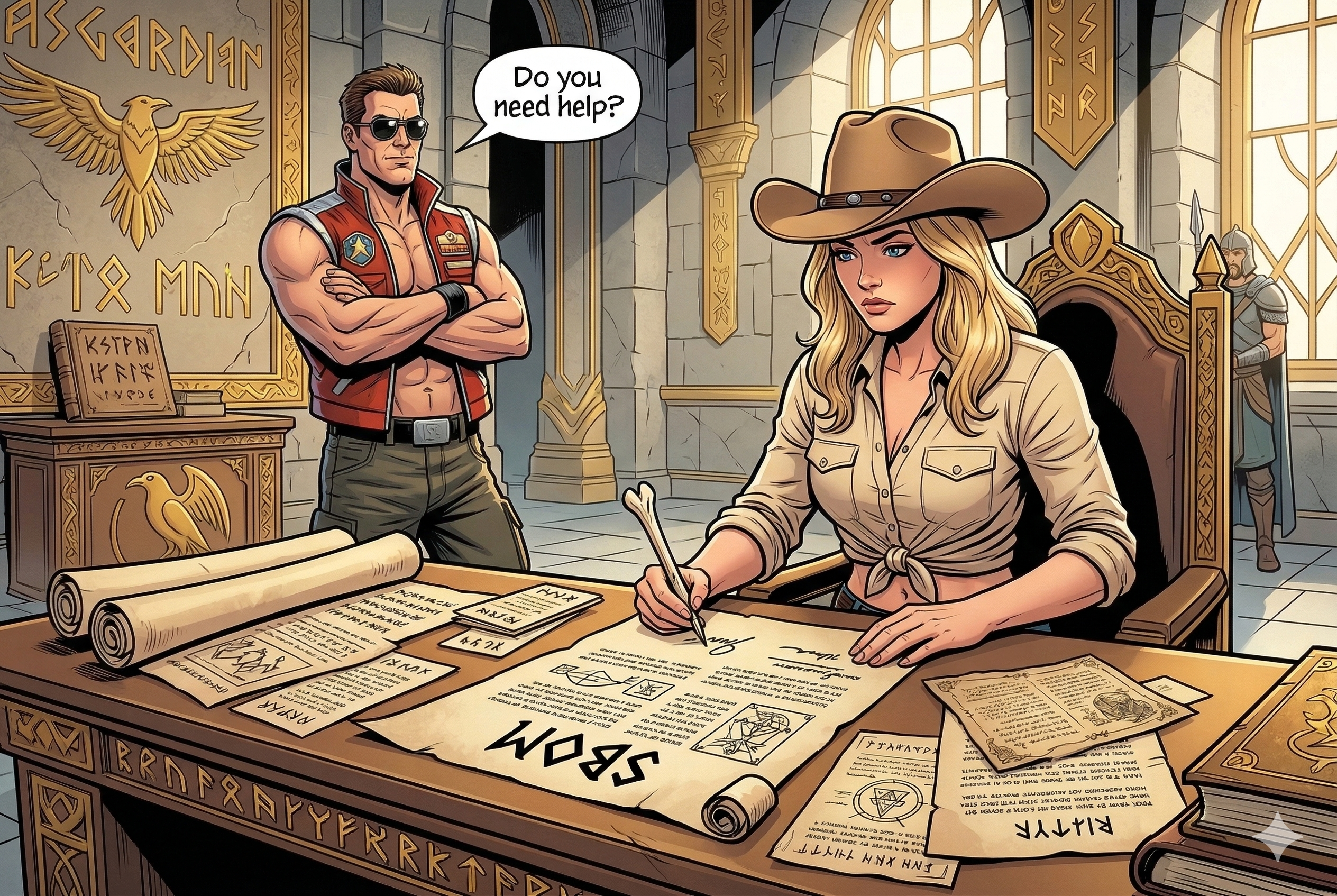
Mission: With the party still going, Evie steps away from the celebration and quietly gets to work. One by one, she signs each SBOM attestation and each VEX attestation with her special pen, ensuring their originality — so that no CVE can forge or tamper with them. "A document without a signature is just a rumor," she says, holstering her pen.
Real-world context: Cosign (part of the Sigstore project) lets you cryptographically sign container images and attestations. Consumers can then verify those signatures before running anything, closing the gap between what you built and what gets deployed.
CLI reference: Sigstore Cosign
Usage
To sign an image, first we need to generate a key pair. Set COSIGN_PASSWORD to use a non-interactive empty password (for workshop use only — use a strong password in production):
COSIGN_PASSWORD="" cosign generate-key-pair
This creates cosign.key (private) and cosign.pub (public). Sign the image after pushing it to a registry:
COSIGN_PASSWORD="" cosign sign --key cosign.key aerabi/flask-hello:with-sbom
The command takes about 40–60 seconds — it pushes the signature as an OCI referrer to the registry and records the signing event in the Sigstore Rekor transparency log. There is no progress output during this time.
Note: Cosign will warn you when signing by tag instead of digest, because a tag can be reassigned to a different image. To suppress the warning and sign the exact image:
COSIGN_PASSWORD="" cosign sign --key cosign.key \
  aerabi/flask-hello@sha256:<image-digest>
To verify the signature:
cosign verify --key cosign.pub aerabi/flask-hello:with-sbom
A successful verification confirms the image has not been tampered with since it was signed.
To visualise all cosign-related artifacts attached to an image (signatures, SBOMs, attestations):
cosign tree index.docker.io/aerabi/flask-hello:with-sbom
Keyless signing with Sigstore
For CI/CD pipelines, Cosign supports keyless signing using short-lived OIDC certificates — no long-lived private keys to manage:
cosign sign aerabi/flask-hello:with-sbom
The signature is anchored in the Sigstore Rekor transparency log, providing a publicly auditable record.
Deep Dive: Sigstore and Supply Chain Trust
Sigstore is an open-source project (backed by Linux Foundation) that provides free, transparent signing infrastructure:
- Cosign: Signs and verifies container images and attestations
- Fulcio: A free certificate authority that issues short-lived signing certificates via OIDC
- Rekor: An immutable, append-only transparency log recording all signing events
Why signatures matter: An SBOM or VEX statement without a signature is just a claim. Cosign binds the attestation cryptographically to the identity that produced it, so consumers can detect forgery or tampering even after the image has traveled through multiple registries.
DHI images have all their attestations — SBOM, VEX, and provenance — signed with Cosign and recorded in Rekor, which is why oras discover shows application/vnd.dev.cosign.artifact.sig.v1+json referrers alongside every attestation.
Exercises
- 9.1. Sign the image that was pushed to the registry in Commando 7:
COSIGN_PASSWORD="" cosign sign --key cosign.key aerabi/flask-hello:with-sbom
The command takes ~40–60 seconds with no progress output — it is uploading the signature to the registry and recording it in Rekor. Verify the signature is attached as an OCI referrer:
cosign verify --key cosign.pub aerabi/flask-hello:with-sbom
- 9.2. The BuildKit SBOM embedded in the image manifest is not a standalone OCI referrer, so Cosign cannot sign it directly. Extract it to disk first:
docker buildx build \
  --sbom=true \
  --output type=local,dest=./attestation-output \
  -t aerabi/flask-hello:with-sbom .
The --output type=local flag extracts the full image filesystem plus sbom.spdx.json into ./attestation-output/. Note: the build may print a storage-commit error on some Docker Desktop versions — the SBOM is still written to the output directory.
- 9.3. Attach the on-disk SBOM to the image in the registry using
cosign attach sbom:
cosign attach sbom \
  --sbom ./attestation-output/sbom.spdx.json \
  aerabi/flask-hello:with-sbom
Note:
cosign attach sbomis deprecated (see sigstore/cosign#2755). It uses a tag-based storage convention (sha256-<digest>.sbom) rather than the OCI referrers API, so the SBOM does not appear inoras discoveron the main image. For new workflows,cosign attest --predicateattaches and signs the SBOM in one step as a proper OCI referrer.
Confirm the SBOM tag was created (note: oras discover requires the full registry hostname):
oras discover index.docker.io/aerabi/flask-hello:sha256-<image-digest>.sbom
- 9.4.
cosign attach sbomuploads the SBOM without signing it. Sign the SBOM artifact by its digest (printed by the attach command):
COSIGN_PASSWORD="" cosign sign --key cosign.key \
  aerabi/flask-hello@sha256:<sbom-artifact-digest>
Like signing the image, this takes ~40–60 seconds and produces no progress output.
- 9.5. The deprecated two-step approach (attach, then sign separately) is now behind us. The proper way is
cosign attest, which wraps the SBOM in a DSSE envelope, signs it, and stores it as a true OCI referrer — all in one step:
COSIGN_PASSWORD="" cosign attest \
  --key cosign.key \
  --predicate ./attestation-output/sbom.spdx.json \
  --type spdxjson \
  aerabi/flask-hello:with-sbom
Unlike cosign attach sbom, the result shows up in oras discover and cosign tree as an OCI referrer. Verify the attestation and its signature (the output will be large — it contains the full SBOM payload):
cosign verify-attestation \
  --key cosign.pub \
  --type spdxjson \
  aerabi/flask-hello:with-sbom | jq '.'
Note: In cosign v3, the
oras discoverannotationdev.sigstore.bundle.predicateTypeis always set tohttps://sigstore.dev/cosign/sign/v1for all bundle types, including attestations. The actual predicate type (https://spdx.dev/Document) lives inside the DSSE envelope payload. To tell apart an attestation from a plain signature inoras discover, look at the layer size: signatures are ~600 bytes; SBOM attestations are several MB.
- 9.6. The OCI referrer attestation created by
cosign attestis itself a registry artifact with its own digest. You can sign it withcosign sign, adding an extra layer of provenance. Get the attestation digest fromoras discover, then:
COSIGN_PASSWORD="" cosign sign --key cosign.key \
  aerabi/flask-hello@sha256:<attestation-referrer-digest>
Confirm the signature is stored as a referrer on the attestation itself:
oras discover index.docker.io/aerabi/flask-hello@sha256:<attestation-referrer-digest>
This produces a chain: image → SBOM attestation → signature of attestation.
- 9.7. Investigate whether the VEX attestation from Commando 7 is signable by Cosign:
cosign tree index.docker.io/aerabi/flask-hello:with-sbom
oras discover index.docker.io/aerabi/flask-hello:with-sbom
Finding: docker scout attestation add stores VEX attestations in Docker Scout's own cloud infrastructure — they do not appear as OCI referrers in the registry. Neither cosign tree nor oras discover shows them. Cosign cannot sign a VEX stored this way. To sign a VEX with Cosign, attach it independently using cosign attest --predicate exemption.vex.json --type https://openvex.dev/ns/v0.2.0, which creates it as a proper signed OCI referrer.
Commando 0. The Zero-Day
Mission: During the party, Artemisia and Rothütle come to Gord, "Artemisia says she senses something off with Null," Rothütle adds, "I think Null is a traitor, he might be working with the CVEs." As they are talking, they notice Null throwing a smoke bomb and disappearing. "He's escaping to the Black Forest, we need to stop him!" says Mina. And the Commandos start chasing Agent Null as he goes through a portal to the Black Forest.
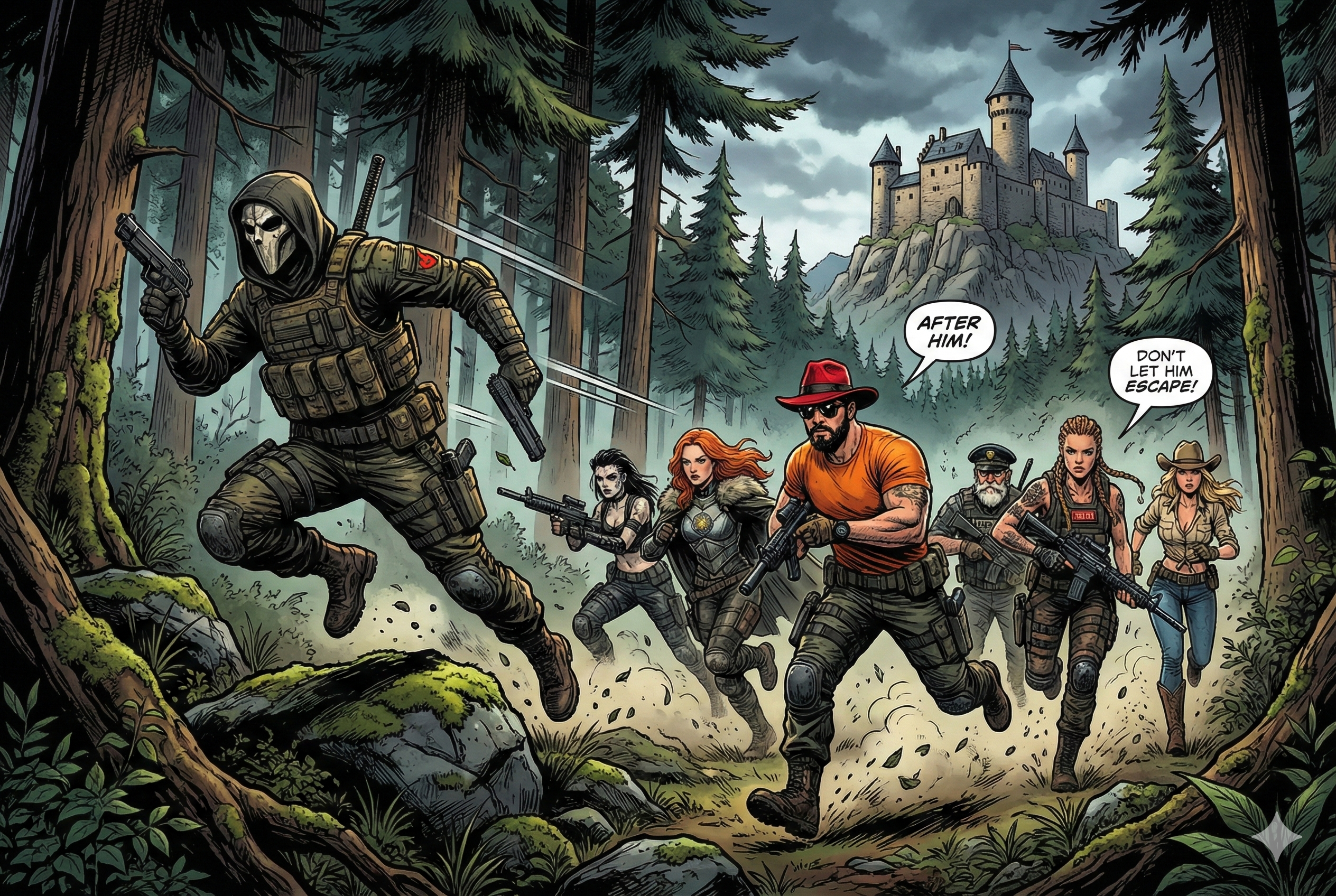
Real-world context: Zero-day vulnerabilities are the most dangerous threats - unknown to security systems with no CVE ID yet. Defense requires proactive security measures that protect against unknown attack vectors.
Agent Null is a master of disguise and deception, a metaphor for zero-day vulnerabilities that are not yet known to the public and therefore have no CVE ID.
Usage
Implement the least privilege with capability dropping and kernel-level security features.
Deep Dive: Defense-in-Depth and Zero-Day Mitigation
Historical Zero-Day Examples:
- Heartbleed (2014)[^6]: Vulnerable code existed for 3 years undetected, affected 66% of internet servers
- Log4Shell (2021)[^7]: Exploited within hours of disclosure, likely active for months as zero-day
- React2Shell (2025)[^1]: Server-side rendering RCE affecting React Server Components, actively exploited within hours of disclosure
Defense Layers:
- Container Isolation:
FROM scratch, nobody user (65534:65534) - Linux Security: AppArmor profiles, capability restrictions
- System Call Filtering: Seccomp profiles allowing only necessary syscalls
- Runtime Monitoring: Tools like Falco[^8] applying rules to detect anomalous behavior.
Exercises
- 0.1. Design a zero-day defense strategy with layered security controls.
- 0.2. Implement runtime monitoring with Falco or behavioral analysis.
- 0.3. Create incident response procedures for unknown threat detection.
- 0.4. Test defenses against container escape techniques.
Final Mission: Complete Security Pipeline
The hunt is complete, but Agent Null has escaped to the Black Forest. The Commandos have successfully defended Asgard using systematic security practices.
Victory Conditions
- ✅ All builds generate SBOM and provenance attestations
- ✅ Hardened base images reduce attack surface
- ✅ VEX statements eliminate false positive noise
- ✅ Automated scanning prevents vulnerable deployments
- ✅ Signed images and attestations enforce trust
- ✅ Zero-day defenses protect against unknown threats
Enterprise Readiness Checklist
- Policy: Container security policy, SBOM requirements, VEX approval process
- Technical: Attestations, hardened images, automated scanning, VEX integration
- Operations: Security gates, runtime monitoring, regular reviews
- Compliance: Auditable evidence, regulatory alignment, documentation
The Docker Commandos have secured Asgard, but Agent Null's escape means the adventure continues in the Black Forest...
Continue your security journey:
- 📚 Read "Docker and Kubernetes Security" for in-depth guides and best practices
- 🔍 Read about the origin story of Docker Commandos in Black Forest Shadow
- 🎥 Watch the Docker Commandos in action in the Dockerize Securely talk at Jfokus 2026
"The greatest victory is the attack that never happens." - The Docker Commandos Creed
References
[^1]: React Team. "Critical Security Vulnerability in React Server Components." React Blog, December 3, 2025. https://react.dev/blog/2025/12/03/critical-security-vulnerability-in-react-server-components ; Wiz. "React2Shell (CVE-2025-55182): Critical React Vulnerability." Wiz Blog, 2025. https://www.wiz.io/blog/critical-vulnerability-in-react-cve-2025-55182
[^2]: in-toto. "The in-toto Specification." https://in-toto.io/
[^3]: CISA. "Malware Discovered in Popular npm Package ua-parser-js." October 2021. https://www.cisa.gov/news-events/alerts/2021/10/22/malware-discovered-popular-npm-package-ua-parser-js
[^4]: Mohammad-Ali A'râbi. "Docker Hardened Images are Free." Docker Security Blog, December 2025. https://www.dockersecurity.io/blog/docker-hardened-images-are-free
[^5]: CISA. "Vulnerability Exploitability eXchange (VEX) - Status Justifications." Cybersecurity and Infrastructure Security Agency, 2024. https://www.cisa.gov/sites/default/files/2024-01/VEX_Status_Justification_Jun22.pdf
[^6]: Durumeric, Z., et al. "The Matter of Heartbleed." Proceedings of the 2014 Conference on Internet Measurement Conference, 2014. https://doi.org/10.1145/2663716.2663755
[^7]: CISA. "Apache Log4j Vulnerability Guidance." Cybersecurity Alert AA21-356A, December 2021. https://www.cisa.gov/news-events/cybersecurity-advisories/aa21-356a
[^8]: The Falco Project. "Cloud Native Runtime Security." https://falco.org/